

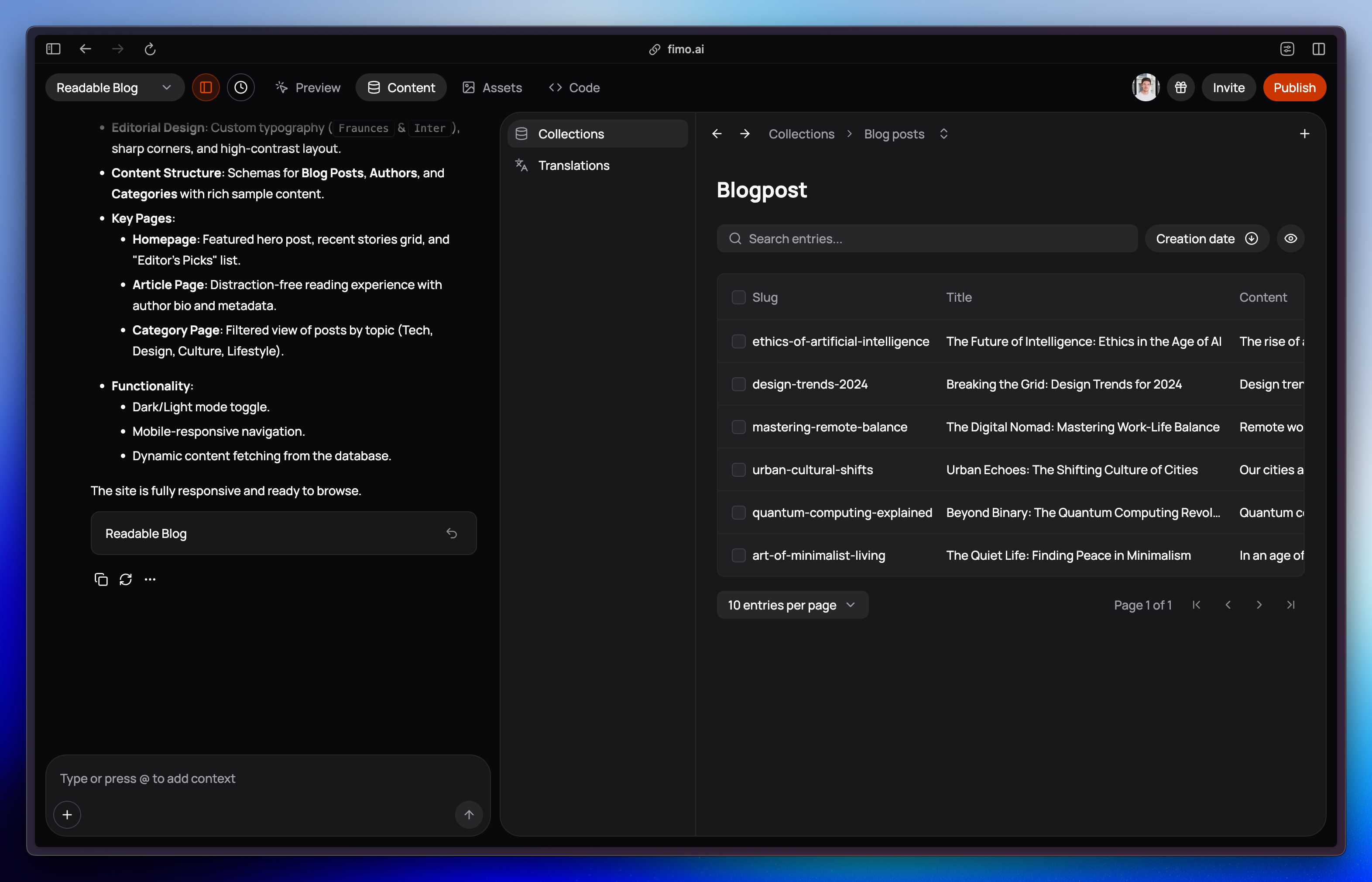
How collections are created?
You don’t need to set up collections yourself. Fimo analyzes your website structure and:- Suggests the right collections based on your pages
- Automatically creates entries to fill new pages with content
Collection structures can’t be edited yet. They are generated automatically to match your website’s requirements.
What you can do?
In the Content tab, you can:- See all collections created for your site
- Enter a collection to browse its entries
- Search, filter, and sort entries by fields like title, order, or creation date
- Open an entry to view and edit its content
Why it matters?
Stay organized
Collections keep related content structured and predictable.
Scale with ease
Add as many entries as you need, like writing dozens of blog posts or product features.
What’s next?
Once you’re familiar with collections, learn how to manage the entries inside:Manage entries
Edit text, images, and links stored in your collections.