

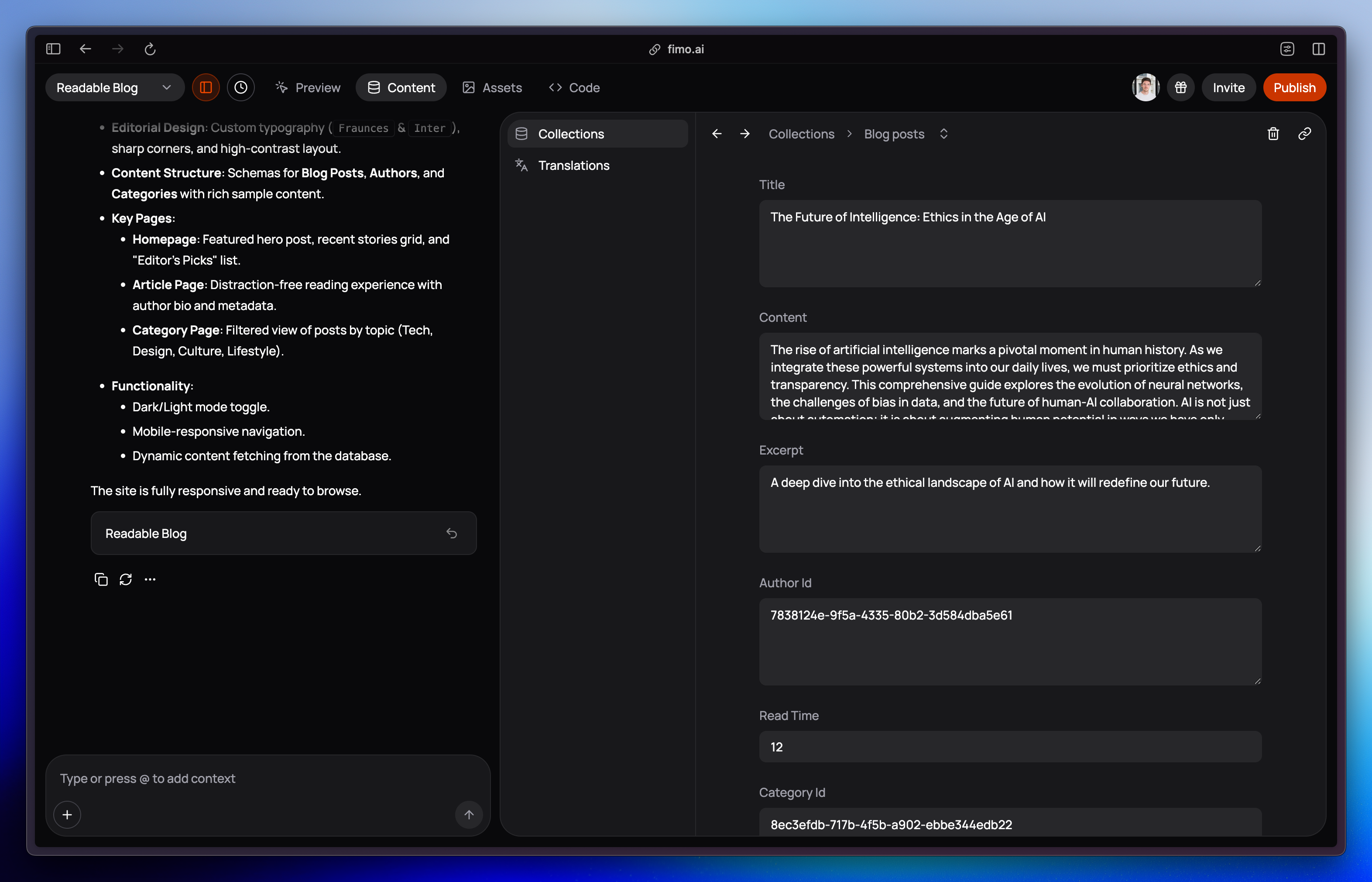
What you can do?
Inside any collection, you can manage its entries:- Add entries: create new items following the collection’s structure (e.g., a new blog post, product feature, or team member).
- Edit entries: update text, images, and links directly. You can also replace images by selecting one from the Media Library.
- Delete entries: remove one or multiple items. Bulk delete is available for faster cleanup.
Why it matters?
Unlimited scale
Add as many entries as you need within a collection.
Consistent structure
Every entry follows the same fields, making your site predictable and easy to manage.
Connected to media
Pick and reuse images from the Media Library for consistency.
Control at your fingertips
Edit or delete entries anytime, individually or in bulk.
Workflow at a glance
Add or edit an entry
Fill in the fields (title, image, description, etc.) or update existing content.
- Text — short labels, titles, or names
- Number — for quantities or ordering
- Media — images or assets from the Media Library
Entries are flexible: you can create as many as needed, edit them anytime, and keep them in sync with your Media Library.
We’ll be adding support for more field types soon, including links, rich text, checkbox, date, select, multi-select, user, phone, and relations.