

If you want to invite someone to a single project (without giving them access to your organization), see the Collaboration page.
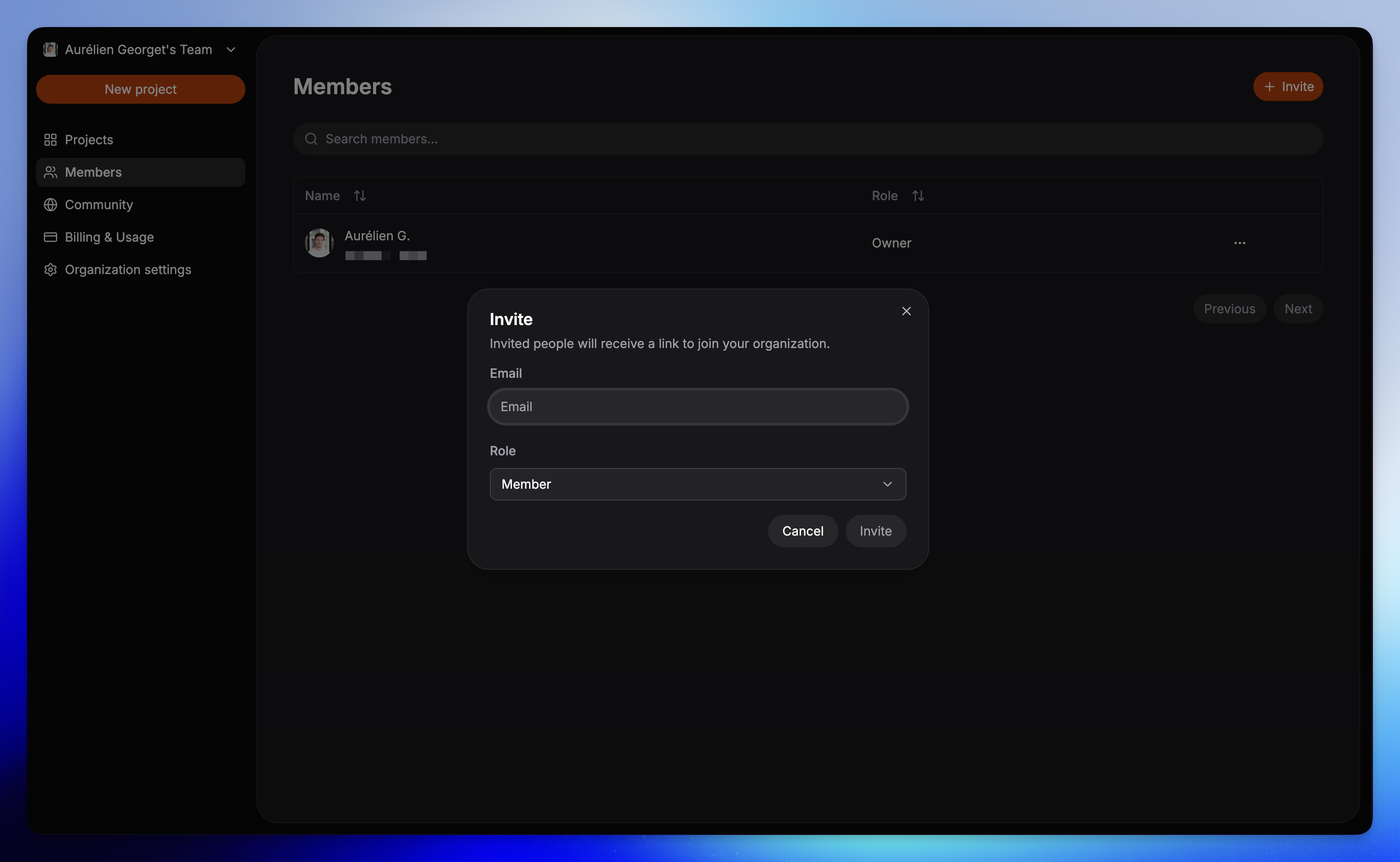
How to invite to an organization?
Click on the Invite button
From the sidebar, go to Organization, then click Members, and use the Invite button.
Select a role
Choose between Member, Admin, or Owner.
For details on what each role can do, see the Members page.
Managing invites
- Pending invites: Resend or revoke them from the Members page.
- Accepted invites: Change a person’s role at any time.
- Remove access: Remove members who no longer need access.
What’s next?
Members
Learn how to manage roles and membership.
Organization overview
See how organizations work in Fimo.