

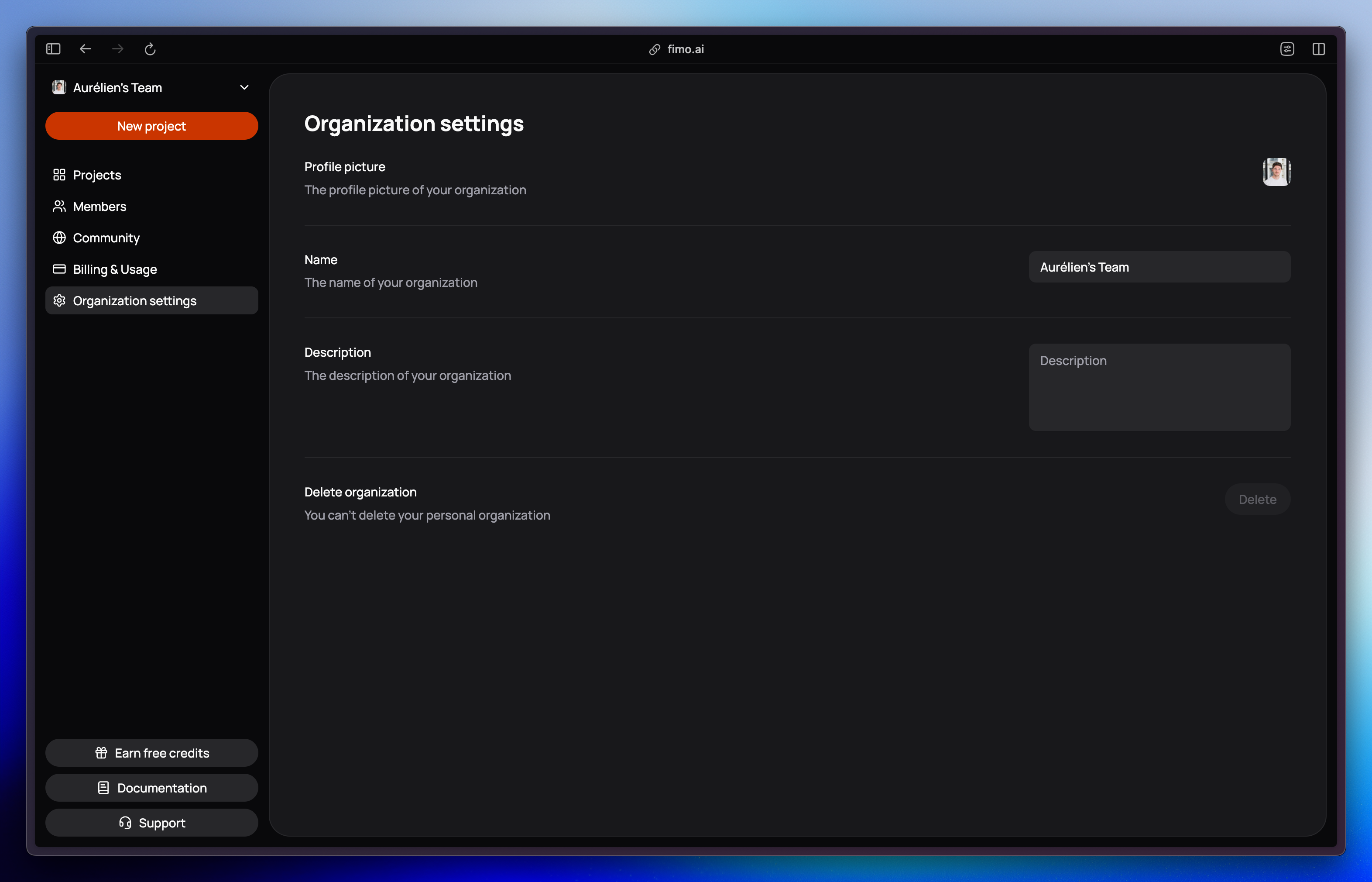
Why use an organization?
- Centralized workspace: All your projects live under one organization.
- Invite teammates: Add members to work with you on projects.
- Flexible roles: Assign each member a role with the right permissions.
- Multiple organizations: A user can belong to several organizations at once, and easily switch between them.
- Scales with you: Start solo, then grow into a team or company setup.
Every user belongs to at least one organization, either their own or one they’ve been invited to. Inviting others gives them access to the projects of your organization, but not to other organizations you belong to.
What’s inside an organization?
Projects
Each project is an independent website, managed inside your organization.
Members
Invite teammates, assign roles, and collaborate together.
Settings
Configure your organization’s details and options.
Billing & usage
Manage your plan, usage, and invoices.
Roles and permissions vary between members (for example, Member, Admin, or Owner).
See the Members page for a full breakdown.
See the Members page for a full breakdown.