

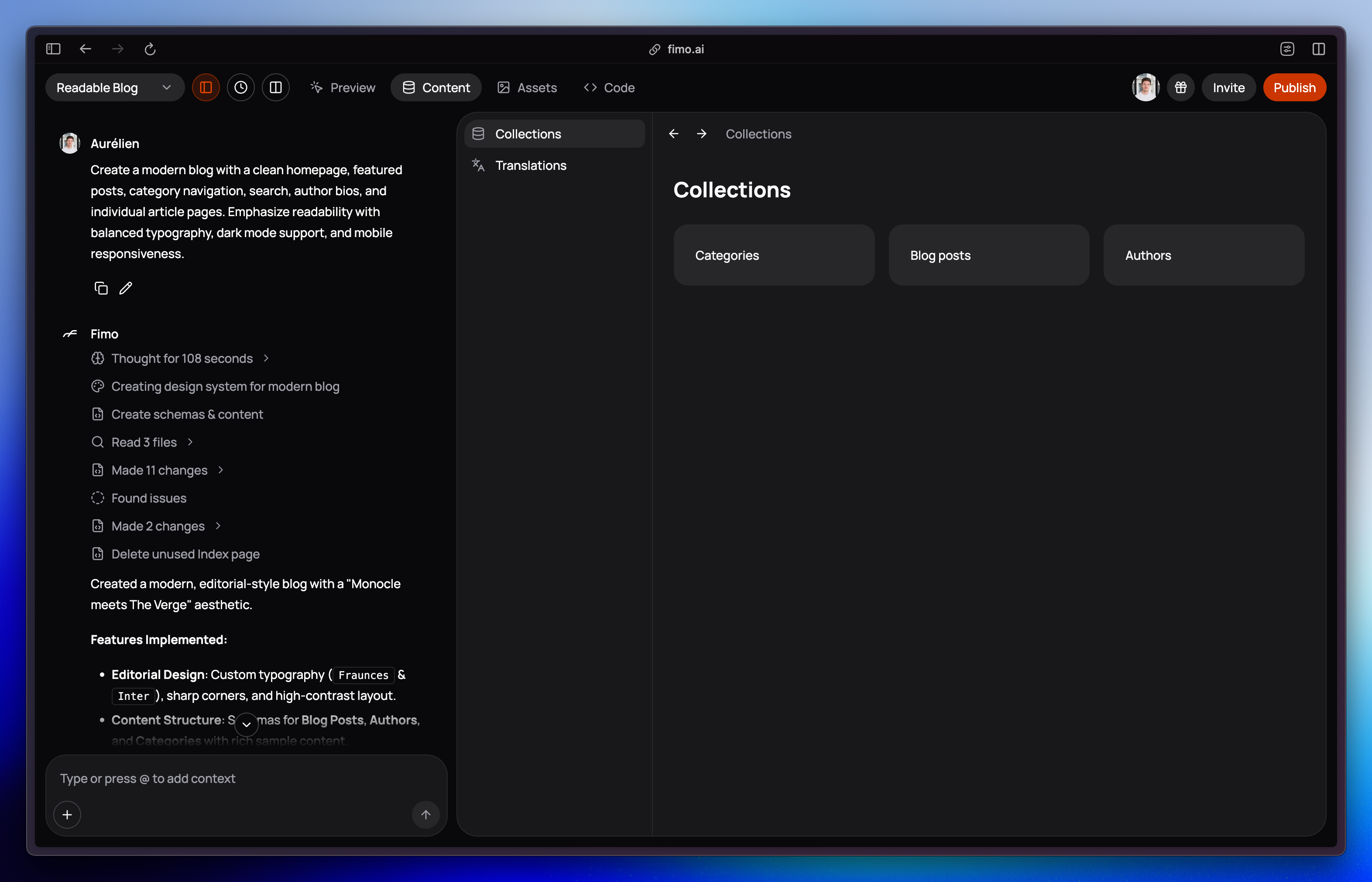
Key features
- Built-in CMS — All site content is editable by default, no setup needed.
- Real-time edits — Changes appear instantly across teammates’ preview windows.
- AI credits saved — Fix typos or small edits directly in the CMS.
- Scalable management — Prepare for advanced workflows like translations or A/B testing.
Why it matters?
Without a CMS
• Edits only via AI chat
• Credits wasted on small fixes
• No central hub for content
• Credits wasted on small fixes
• No central hub for content
With Fimo CMS
• All content stored in one place
• No credits needed for edits
• Instant updates across teammates
• No credits needed for edits
• Instant updates across teammates
Collections, Entries, and Translations
To keep content organized, the CMS uses three building blocks:Collections
Think of a Collection as a container. It defines the structure of content, such as blog posts or team members. Each Collection includes a set of fields (title, image, link, etc.).Entries
An Entry is a single item within a Collection. For example, one blog article or one team member profile. Each Entry follows the structure defined by its Collection.Translations
Translations store small, reusable pieces of copy used across the product, such as Back, Return to, or page-specific titles. They are ideal for static text that belongs to a single page or UI element and needs to be localized.Workflow at a glance
Manage content in the CMS
Update Entries directly in the Content tab, fix typos, or make bulk edits.
What’s next?
The Content section includes tools to organize and update your site:Manage collections
Learn how to structure your content at scale.
Manage entries
Edit individual text blocks, images, and links stored in the CMS.